Unveiling Git: A Comprehensive Guide for Digital Professionals
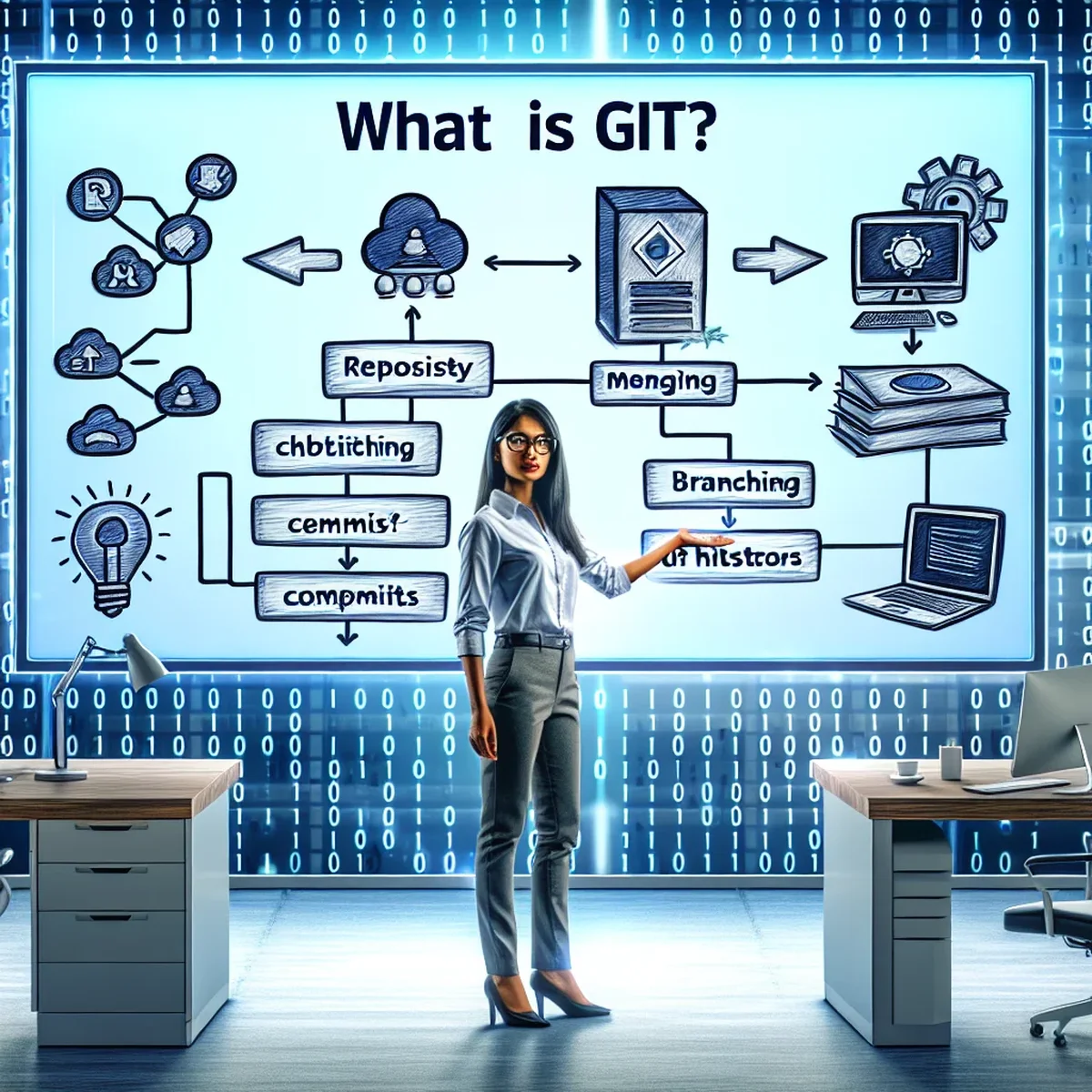
Git is more than just a tool; it's a game-changer in the world of software development. Adopted by professionals across the globe, Git offers robust features that support version control, collaboration, and quality control in project development. In this post, we'll dive deep into what Git is, why it's crucial for your projects, and how you can leverage its power in your digital agency or business.
Understanding Git and Its Core Features
Git is a distributed version control system created by Linus Torvalds in 2005. It helps developers track changes in their codebase, collaborate without conflicts, and revert to previous versions of a project if needed. Here are some of the key features that make Git indispensable:
- Distributed Architecture: Unlike centralized version control systems, Git gives every developer a local copy of the entire development history, enhancing speed and encouraging offline work.
- Branching and Merging: Git's branching model allows multiple developers to work on different features simultaneously without affecting the main codebase, streamlining the development process and enhancing productivity.
- Staging Area: Git's staging area allows developers to format and review their commits before completing the changes, thus maintaining a clean, manageable history.
Why Git is a Must-Have in Digital Project Management
For marketing agencies and digital businesses, managing multiple projects efficiently is pivotal. Git offers several benefits that address common challenges in project management:
- Enhanced Collaboration: With Git, team members can work on various aspects of a project simultaneously, see each other's contributions, and integrate changes with minimal conflicts.
- History and Accountability: Every change to the codebase is tracked. This means any errors can be traced back to their source, improving accountability among team members.
- Flexibility in Development: The ability to branch out and merge new features as needed allows teams to be more adaptive to changes and client requirements.
Implementing Git in Your Workflow
To integrate Git effectively into your business operations, consider the following steps:
- Educate Your Team: Conduct training sessions to familiarize your team with Git. Focus on key concepts like staging, committing, branching, and merging.
- Set Up a Git Repository: Use platforms like GitHub, Bitbucket, or GitLab to host your repositories. These platforms provide additional tools for issue tracking, documentation, and collaboration.
- Adopt a Workflow: Choose a Git workflow that suits your project’s needs, such as Gitflow, Forking, or the Feature Branch Workflow, to keep your development process smooth and organized.
Best Practices for Git Management
To maximize the benefits of Git, adhere to these best practices:
- Commit Often, Commit Small: Small, frequent commits make it easier to identify where things went wrong without overwhelming your Git history.
- Write Meaningful Commit Messages: Clear, informative messages help team members understand what was changed and why.
- Regularly Push Your Changes: Regular updates to the remote repository ensure that all team members have access to the latest version of the project.
Conclusion
Git is more than just a tool for software developers—it is a crucial component in the toolkit of any digital business or marketing agency aiming to maintain an edge in project management. By mastering Git, you not only enhance your team's productivity but also improve your operational workflows and project quality.
Whether you're a beginner or looking to refine your Git skills, embracing this powerful tool can significantly benefit your business strategy and output.
FAQ
- Why is Git essential for project management in digital agencies?
- Git enhances collaboration, maintains versions efficiently, and ensures that multiple team members can work on a project without conflicts, making it indispensable for managing complex digital projects.
- How can beginners effectively learn Git?
- Beginners should start by understanding basic Git commands, practicing with small projects, and progressively learning to manage more complex scenarios in Git environments.