Unlocking Speed: Understanding the Critical Rendering Path in Web Development
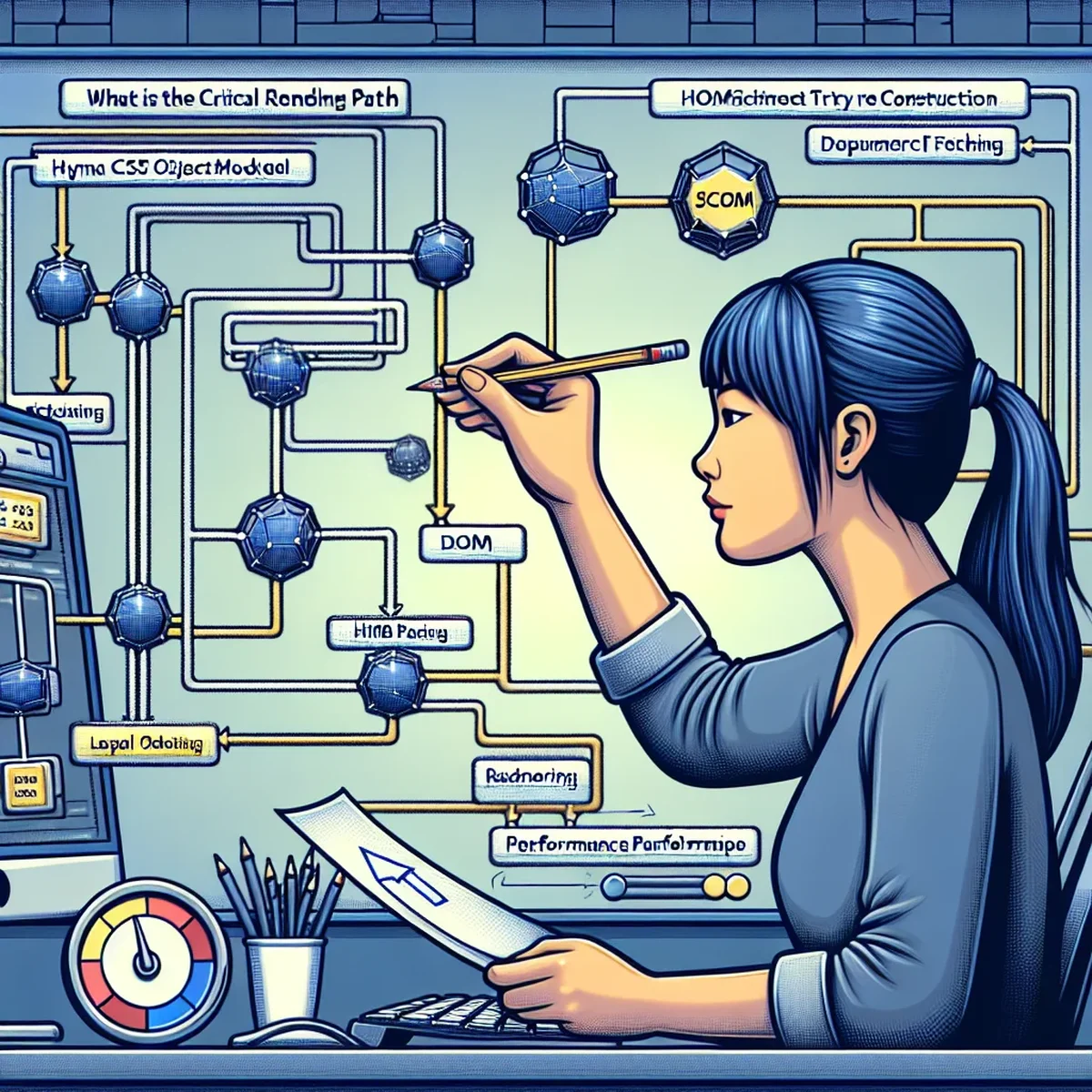
In the digital age, where speed and efficiency are paramount, understanding the Critical Rendering Path (CRP) is essential for any web developer or digital business owner aiming to optimize their site's performance. The CRP is the sequence of steps the browser performs to convert HTML, CSS, and JavaScript into a rendered website on the user's screen. Optimizing this path is crucial for reducing load times and enhancing user experience, which in turn can boost SEO rankings and user retention.
What is the Critical Rendering Path?
The Critical Rendering Path is the process that browsers follow to transform code into a visual output. When a user visits a website, their browser retrieves the site's HTML, CSS, and JavaScript. These resources need to be processed in a way that the final visual result appears on the screen without unnecessary delays.
Key Components of the CRP
The CRP involves several key stages: - HTML parsing: The browser parses the HTML to construct the DOM (Document Object Model) tree. - CSS parsing: Simultaneously, CSS is processed to form the CSSOM (CSS Object Model). - JavaScript execution: JS can alter both the DOM and CSSOM, necessitating careful handling to prevent render-blocking. - Render Tree Construction: The DOM and CSSOM are combined to form the render tree, which represents all visual elements of the page. - Layout: The browser calculates the size and position of each visible element. - Painting: The final visual representation is painted to the screen.
Why Optimize the Critical Rendering Path?
Optimizing the CRP can significantly reduce the time it takes for a page to become interactive and visually ready. This improvement in page load time not only enhances user experience but also positively impacts SEO. Search engines prioritize sites that load quickly and provide a smooth user experience.
Benefits of CRP Optimization
- Improved Page Load Speed: Faster rendering leads to quicker interactions.
- Enhanced User Engagement: Users are less likely to leave a site that loads efficiently.
- SEO Advantages: Faster sites are often ranked higher by search engines.
Practical Tips for Optimizing the Critical Rendering Path
Here are some actionable steps you can take to optimize the CRP:
- Minimize Critical Resources: Reduce the number and size of resources loaded before the page can be rendered.
- Minify and Compress Files: Compress HTML, CSS, and JavaScript to speed up their loading and parsing.
- Optimize CSS Delivery: Use media types and queries to only load necessary styles.
- Prioritize Visible Content: Utilize techniques like lazy loading to defer non-critical resources.
- Avoid or Minimize JavaScript Blocking: Defer or asynchronously load JavaScript to avoid blocking the DOM construction.
Tools to Help You
Utilizing tools like Google's PageSpeed Insights, Lighthouse, and WebPageTest can provide critical insights into how your website performs and where the CRP can be optimized.
Case Studies and Real-World Examples
Many leading digital firms have seen substantial improvements in performance metrics after optimizing their CRP. For instance, a well-known e-commerce site reduced its load time by 50% by deferring non-critical JavaScript and optimizing its CSS delivery. This change not only improved user engagement but also resulted in a noticeable uptick in conversions.
Conclusion
Understanding and optimizing the Critical Rendering Path is not just about improving website performance—it's about providing a better overall user experience and enhancing your site's SEO. By focusing on the CRP, businesses and developers can significantly impact their site's effectiveness and efficiency, leading to greater user satisfaction and improved search engine rankings.
FAQ
- Why is the Critical Rendering Path important for SEO?
- Optimizing the Critical Rendering Path enhances site speed and user experience, both crucial factors in SEO ranking algorithms.
- How can I identify bottlenecks in my site's Critical Rendering Path?
- Tools like Google PageSpeed Insights and Lighthouse can help identify and analyze bottlenecks in the Critical Rendering Path, providing actionable insights for improvement.