Understanding Web Accessibility: A Guide for Digital Businesses
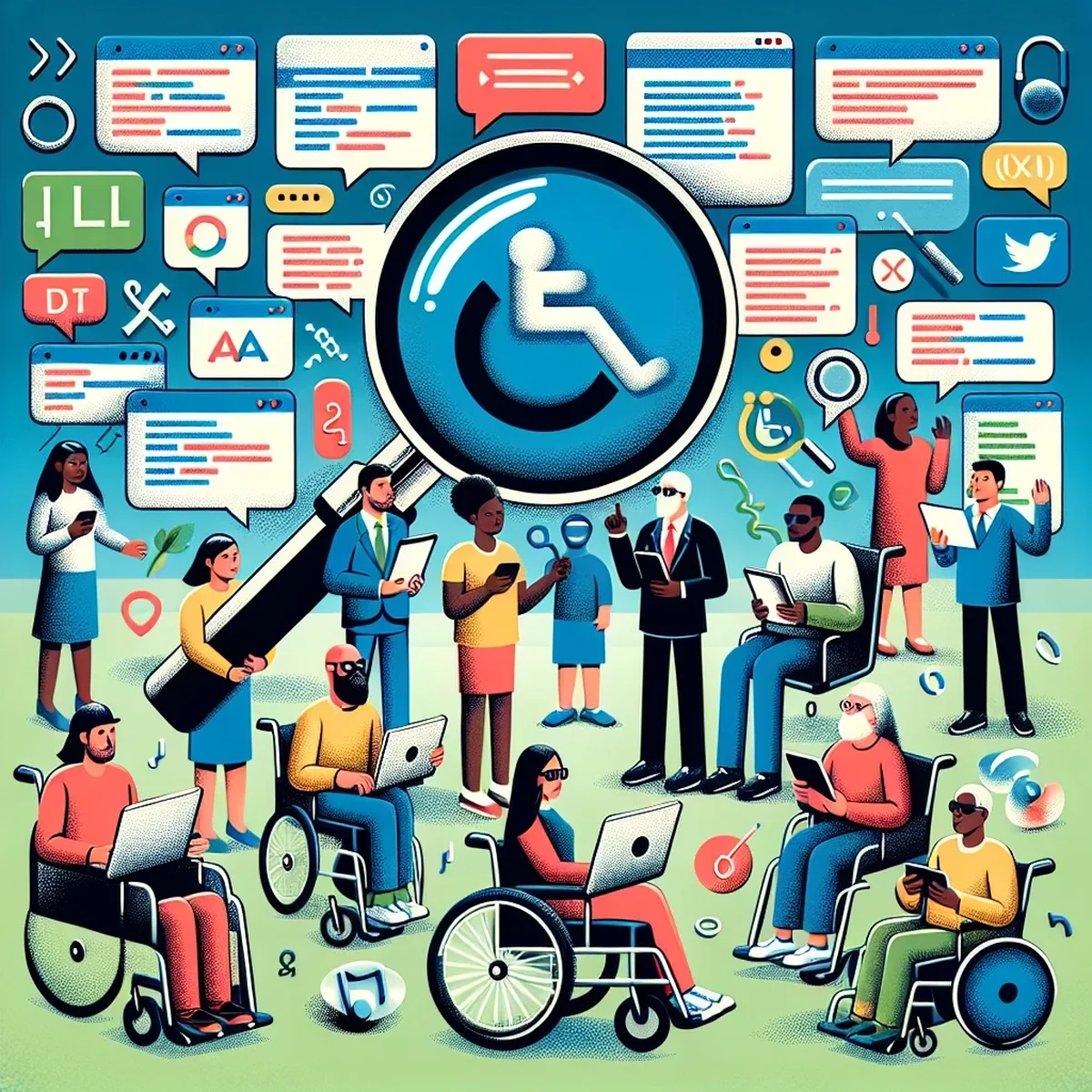
As digital landscapes continue to evolve, the importance of ensuring that your website is accessible to all users has never been more critical. Web accessibility, often referred to as A11y, involves designing and modifying websites so that people with disabilities can use them effectively. For businesses, this isn’t just about compliance with legal standards but also about enhancing user experience, broadening your market, and optimizing your site for search engines.
What Is Web Accessibility?
Web accessibility means that websites, tools, and technologies are designed and developed so that people with disabilities can use them. More precisely, people can perceive, understand, navigate, and interact with the web, and they can contribute to the web as well. This includes all users who require accommodations, including those with visual, auditory, physical, speech, cognitive, and neurological disabilities.
The Business Case for Accessibility
Incorporating accessibility into your digital strategy is not only a practice in empathy and inclusivity but also a savvy business decision. Here are several compelling reasons why:
- Expanded Audience Reach: Approximately 15% of the world's population experiences some form of disability. Ignoring accessibility can mean missing out on a significant portion of potential customers.
- SEO Benefits: Search engines favor websites that provide a good user experience. Accessible sites tend to have cleaner code bases and structured layout which search engines can index more effectively.
- Legal Compliance: Many regions have laws requiring digital accessibility, and non-compliance can result in hefty penalties.
Practical Steps to Improve Web Accessibility
Enhancing your website’s accessibility can seem daunting, but there are straightforward steps you can take to make substantial improvements:
1. Use Semantic HTML
Utilizing proper HTML tags (like <header>, <footer>, <article>, and <section>) helps screen readers and assistive technologies navigate your site more effectively.
2. Ensure Sufficient Color Contrast
Color contrast is crucial for users with visual impairments. Tools like the WebAIM Color Contrast Checker can help you verify that your text stands out against its background.
3. Include Alt Text for Images
Adding descriptive alt text to images not only aids visually impaired users but also boosts your website's SEO by providing better context to search engines.
4. Implement Keyboard Navigation
Ensure that all interactive elements on your website can be accessed and used through keyboard-only navigation, catering to users with motor impairments.
5. Create Accessible Forms
Label your forms clearly, and ensure error messages are descriptive enough to guide users through correcting submissions.
Tools and Resources for Assessing Accessibility
Several tools can help you evaluate and improve the accessibility of your website:
- WAVE (Web Accessibility Evaluation Tool): Provides visual feedback about the accessibility of your web content by highlighting potential issues.
- AXE Accessibility Checker: A browser extension that allows you to test your website for accessibility issues instantly.
- Google Lighthouse: An open-source, automated tool for improving the quality of web pages which includes accessibility audits.
Conclusion
Embracing web accessibility is not just about adhering to standards but about making a meaningful impact on your user experience and expanding your market. By taking the steps outlined above, you can start to make your digital assets more inclusive and, as a result, more successful.
Digital businesses that prioritize accessibility are not only future-proofing their operations but are also positioning themselves as responsible, inclusive brands. Start your journey towards full web accessibility today and open your digital doors to everyone.
FAQ
- Why is web accessibility important for online businesses?
- Web accessibility ensures that all users, including those with disabilities, can interact fully with a website, which expands a business's audience, improves compliance, and enhances overall user engagement.
- How does web accessibility impact SEO?
- Improving web accessibility can enhance site usability, increase its reach, and improve search engine rankings by making content accessible to screen readers and other assistive technologies.