Understanding NPM: The Backbone of Node.js Development
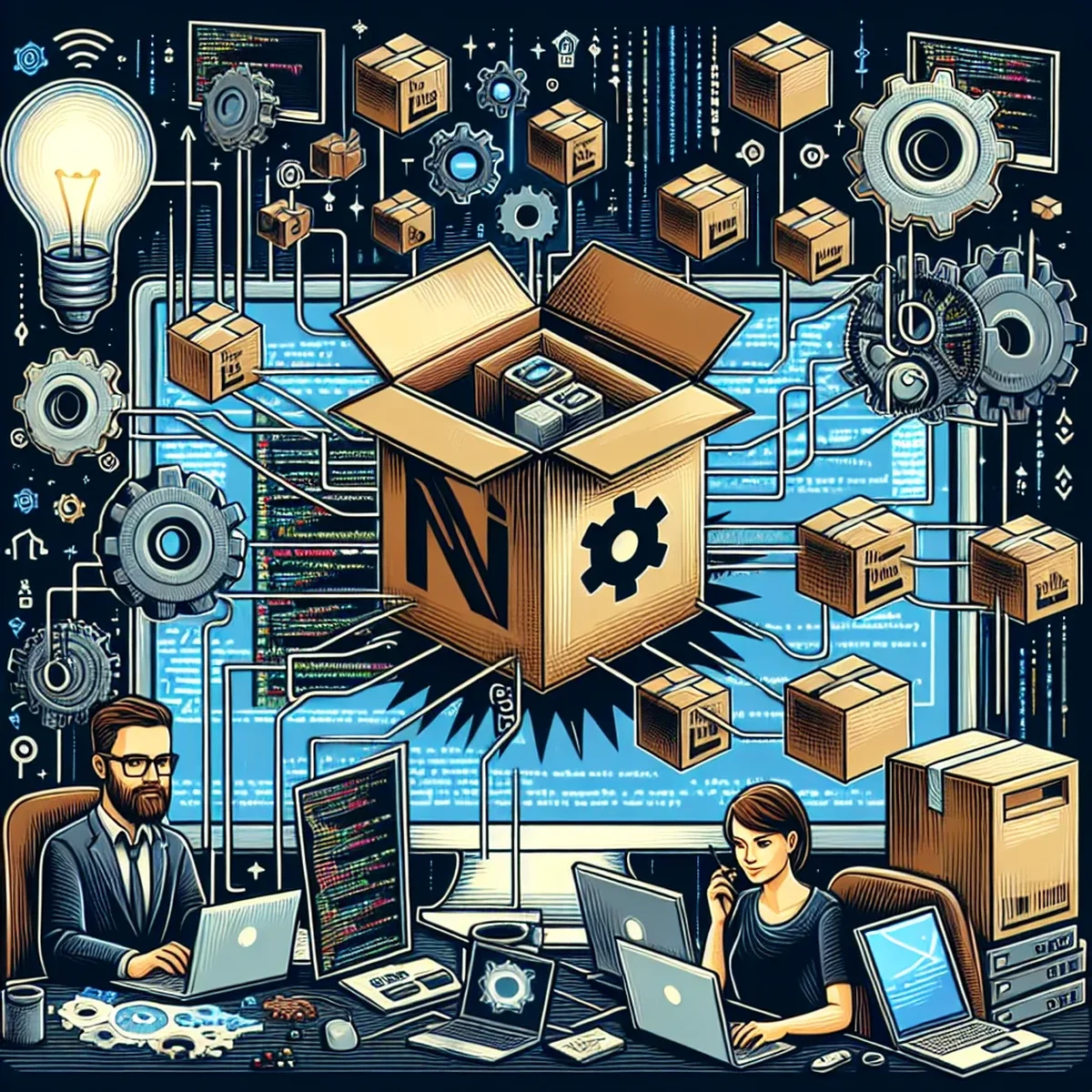
Node.js has revolutionized the way we think about developing applications, especially on the server side. A pivotal element in this ecosystem is Node Package Manager, or NPM, which acts as a lifeline for developers, aiding in efficient management of packages and dependencies. This post dives into what NPM is, how it functions, and why it’s an indispensable tool for modern web developers.
The Role of NPM in Modern Development
NPM is essentially a package manager for JavaScript, designed to help developers find and use software packages that extend and enhance the functionality of their applications. It comes as part of the Node.js installation, meaning that when you install Node.js, you get NPM by default.
Streamlined Package Management
One of NPM’s core functionalities is its ability to manage thousands of software packages. These packages range from small utilities to large-scale applications, each designed to perform specific tasks or add particular features to a project. By using NPM, developers can easily install, update, and manage these dependencies, ensuring that projects remain up-to-date and secure.
Enhancing Team Collaboration
NPM also plays a crucial role in supporting team collaboration. Through its dependency and version management, teams can work on the same project with the assurance that the software behaves consistently across different environments. This is particularly useful in large teams where consistency and reliability are critical.
How NPM Works
Understanding the mechanics of NPM can provide deeper insights into its benefits for project management. NPM manages packages through a command-line interface (CLI). Here’s a basic overview of its operations:
- Installation of Packages: Developers can add new packages to their projects by using the
npm installcommand followed by the package name. This command fetches the package from the NPM registry and installs it into the project. - Dependency Management: When installing a package, NPM also checks for its dependencies (other packages it requires to function) and installs them as well. This recursive process ensures that all necessary software is present.
- Version Control: NPM tracks the versions of each package, allowing developers to specify and install particular versions to maintain compatibility and stability within the project.
NPM Registry
At the heart of NPM’s functionality is the NPM registry, an online database of public and paid-for private packages. This registry is crucial because it serves as a repository from which packages are retrieved. The accessibility of the NPM registry means that developers can contribute to a vast ecosystem, sharing their solutions and benefiting from others'.
Best Practices for Using NPM
To maximize the effectiveness of NPM in your projects, consider the following best practices:
- Regularly Update Dependencies: Keep your project’s dependencies up-to-date to leverage the latest features and security improvements.
- Use Semantic Versioning: Stick to semantic versioning rules to avoid compatibility issues.
- Maintain a
package.jsonFile: This file is crucial as it records your project’s dependencies and their versions, ensuring consistency across environments.
Conclusion
NPM not only simplifies the management of packages but also enhances the overall development workflow by ensuring consistency, fostering collaboration, and maintaining a high level of code quality. As Node.js continues to dominate as a platform for web development, understanding and utilizing NPM effectively will be crucial for developers looking to streamline their development processes and scale their applications efficiently.
For developers venturing into Node.js, mastering NPM is not just an option—it’s a necessity.
FAQ
- How does NPM improve project efficiency?
- NPM streamlines project management by handling package installations, updates, and dependency management, allowing developers to focus on coding rather than configuration.
- What are some common commands in NPM?
- Common NPM commands include `npm install` for installing packages, `npm update` to update all packages, and `npm start` to run the application.