Understanding Babel: The Essential Compiler for Modern Web Development
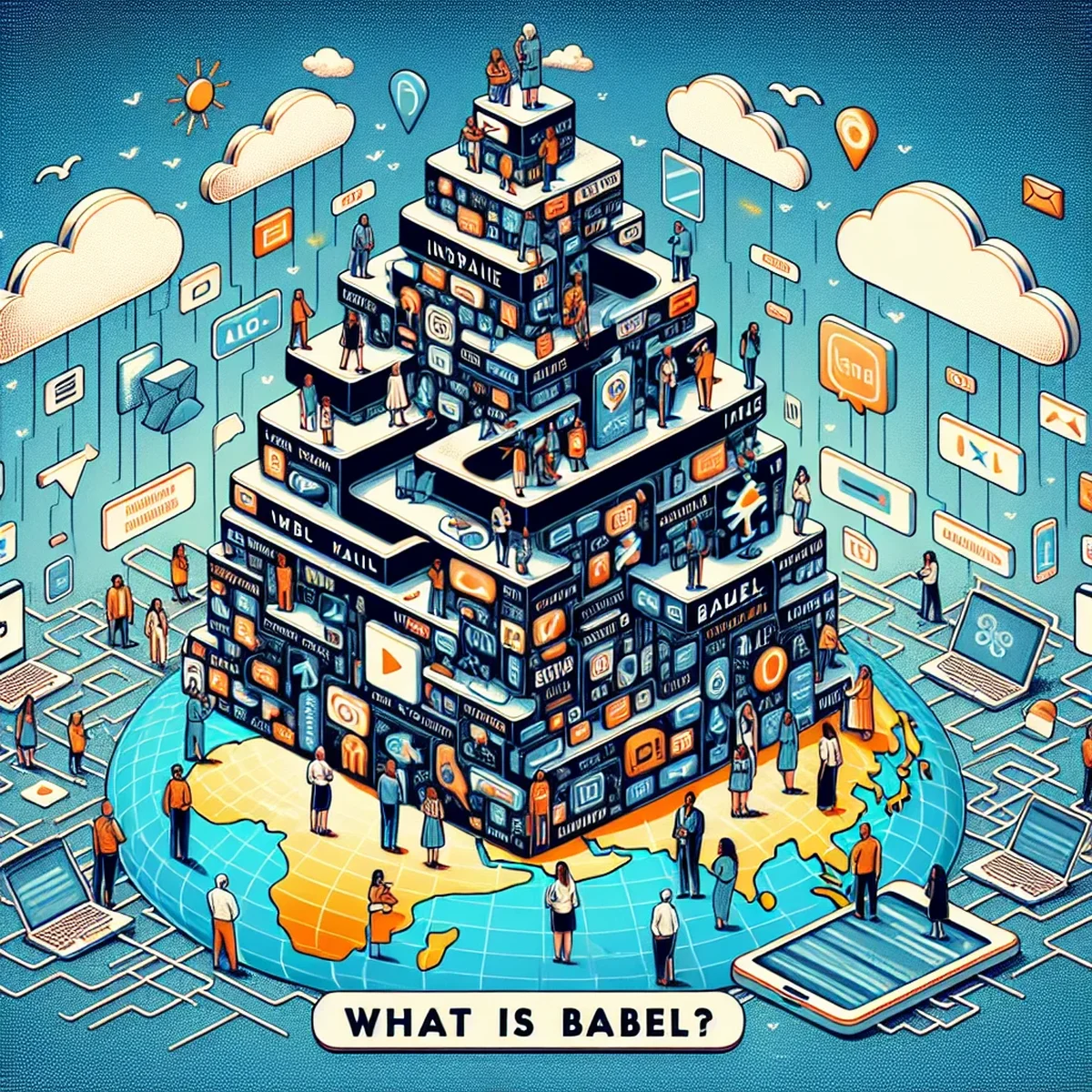
In the fast-evolving world of web development, staying updated with the latest tools and technologies is crucial for success. One such tool that has become indispensable is Babel. This JavaScript compiler is key for developers looking to leverage modern JavaScript (ES6 and beyond) while maintaining compatibility across all browsers. This blog post delves into what Babel is, its importance in modern web development, and how it works to transform your JavaScript code.
What Is Babel and How Does It Fit in Modern JavaScript Development?
Babel is more than just a tool; it's a transformation platform that turns modern JavaScript into a version that older browsers can understand. It allows developers to write code using the latest JavaScript features, such as arrow functions, destructuring, and async/await, and then compiles this code into ES5 (the JavaScript version widely supported by most browsers).
Key Features and Capabilities
- Syntax Transformation: Babel converts newer JavaScript syntax that browser engines cannot currently handle into older syntax that can be understood universally.
- Polyfilling: It includes the capability to add default functions that browsers might not yet support through a module known as
babel-polyfill. - Plugin-based Architecture: Developers can customize their build process by enabling or disabling certain features using plugins, which makes Babel extremely flexible.
Why Use Babel in Your Projects?
Integrating Babel into your development workflow offers several benefits:
- Browser Compatibility: Ensures that the JavaScript applications you develop work seamlessly across all browsers, including those that do not support recent JavaScript updates.
- Future-Proof Code: Allows you to use next-gen JavaScript features without waiting for browsers to support them, ensuring your codebase is modern and efficient.
- Improved Developer Experience: Helps in maintaining cleaner codebases and enhances productivity by allowing developers to use the latest JavaScript features.
Setting Up Babel: A Quick Guide
Setting up Babel is straightforward, making it easy for teams to integrate it into their existing projects. Here’s a simple guide to get you started:
- Install Node.js: Babel runs on Node.js, so make sure it's installed on your machine.
- Install Babel CLI: Use npm (Node Package Manager) to install the Babel command line tool.
bash npm install --save-dev @babel/core @babel/cli - Configure Babel: Create a
.babelrcfile in your project root or add ababelconfig inpackage.jsonto specify the presets and plugins.json { "presets": ["@babel/preset-env"], "plugins": [] } - Run Babel: Compile your JavaScript files by running Babel via the command line.
bash
   npx babel src --out-dir lib
Best Practices When Using Babel
- Keep Babel Updated: Regularly update Babel and its plugins to leverage improvements and support for new JavaScript features.
- Use Necessary Plugins: Only use the plugins you need to keep the build process efficient and your codebase clean.
- Integrate with Build Tools: Incorporate Babel into your build tools like Webpack or Rollup for an automated development environment.
Conclusion
Babel has reshaped the landscape of web development by allowing developers to use the latest JavaScript features today, without having to worry about browser limitations. Whether you are building complex applications or simple websites, Babel ensures your JavaScript code is robust, future-proof, and universally compatible.
Understanding and integrating Babel in your web development workflow can significantly enhance your project's reach and performance, making it an essential skill in today’s digital landscape.
FAQ
- What does Babel do in web development?
- Babel is a JavaScript compiler that transforms ES6 and beyond code into backwards compatible versions to run in older browsers.
- Why is Babel essential for modern web development?
- Babel enables developers to use the latest JavaScript features without worrying about browser compatibility, ensuring a wider audience can enjoy the enhanced functionalities.