Exploring Material Design: A Comprehensive Guide for Digital Creatives
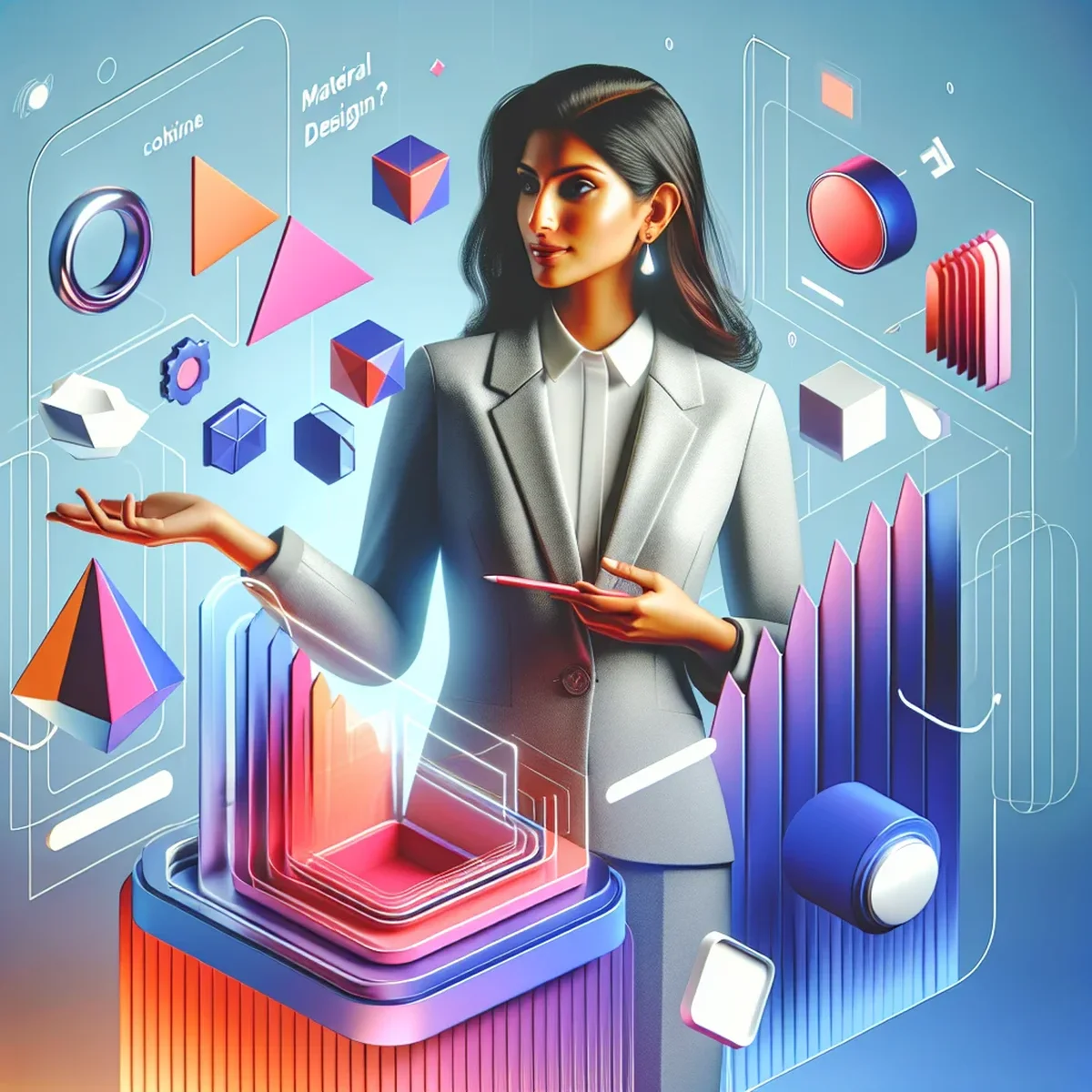
Material Design is a design language developed by Google in 2014 that has since become a cornerstone in the design strategies of many digital agencies and businesses. This design framework is known for its clean, practical visuals, which are grounded in the physical world but adapted for screen use. The primary goal of Material Design is to create designs that are both aesthetically pleasing and highly functional, making digital environments more intuitive and accessible.
The Philosophy Behind Material Design
Material Design is not just about how things look but also how they work. It’s inspired by the physical world and its textures, including how light interacts with surfaces and how objects move in space. This approach is designed to unify the user experience across various platforms, providing a consistent look and feel across devices, which is crucial for maintaining user engagement in a multi-device world.
Core Principles of Material Design
Material Design is governed by some fundamental principles that help designers create more user-friendly interfaces. These principles include:
- Material as a Metaphor: Conceptualizing UI as tangible surfaces and edges gives cues about what can be interacted with, much like objects in the real world.
- Bold, Graphic, Intentional: Visual cues are bold and deliberate, with typography, grids, scale, color, and imagery used to guide user interactions.
- Motion Provides Meaning: Motion is used not just for aesthetic purposes but to describe relationships between UI elements and focus the user’s attention in an intuitive way.
Understanding these principles can help digital creatives design more intuitive and engaging user interfaces.
Implementing Material Design in Your Projects
Implementing Material Design involves more than just applying certain aesthetics; it requires a deep understanding of its guidelines and components. Here are key elements to consider:
Layout and Structure
Material Design uses a grid-based layout system to organize information and guide the user's eye across the screen. The responsive layout adapts to different screen sizes and orientations, providing a consistent experience on any device.
Color and Typography
Color in Material Design is not used merely for decoration but as a means of communication. The palette chosen can indicate types of actions and pieces of information, while typography is used to create hierarchy and clarity.
Interactivity and Motion
Interactivity in Material Design includes the response of the interface to user inputs. Material Design animations are meaningful; they reinforce the user's actions and provide feedback. For example, when a user deletes an item, the item might swipe out towards the direction of the swipe, visually indicating the action taken.
Best Practices for Applying Material Design
When integrating Material Design into your work, consider these best practices:
- Consistency is Key: Keep your design consistent across all pages and applications. This consistency makes your application easier to use and strengthens your brand.
- Focus on User Experience: Every element should have a purpose. Avoid unnecessary decorations that do not serve a functional purpose.
- Test Across Devices: Ensure your design works seamlessly across different devices and platforms to maintain user engagement and satisfaction.
Conclusion
Material Design is more than just a "trendy" design aesthetic; it's a robust framework meant to create intuitive and engaging digital environments that mimic the physical world. By understanding and implementing the core principles of Material Design, digital creatives can enhance the user experience and create more cohesive, functional products.
Whether you're a seasoned designer or just starting, diving deep into Material Design can provide a fresh perspective on how users interact with your digital products and help you create more meaningful and accessible designs.
FAQ
- How can Material Design benefit my digital project?
- Material Design can enhance user experience by providing a unified and scalable visual language, improving usability, and ensuring consistency across all platforms and devices.
- What are the key components of Material Design?
- Key components include responsive animations, a grid-based layout, padding, and depth effects such as lighting and shadows.